


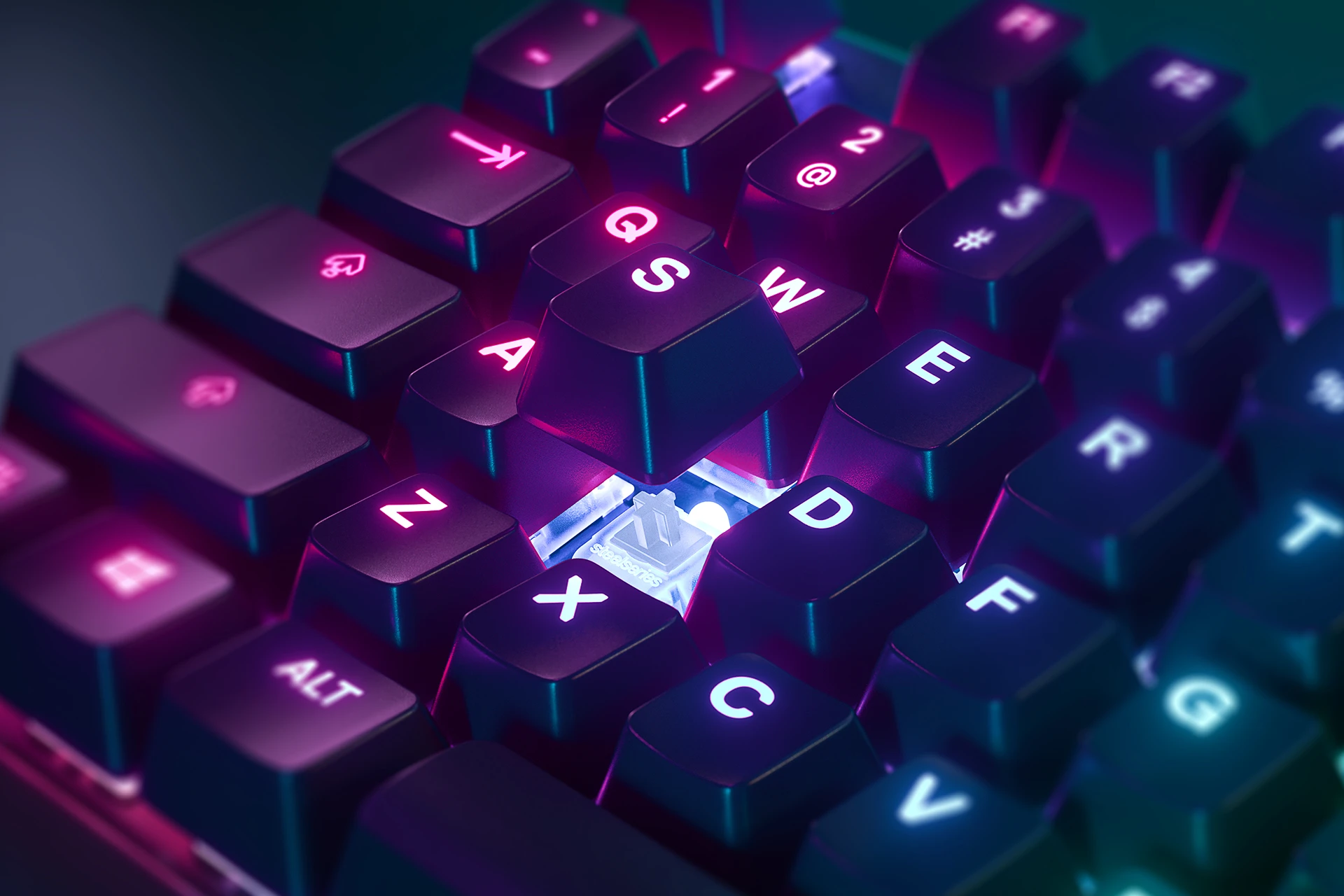
How to Clean Your Keycaps & Keyboard
If you’re reading this at your desk, your hands may be touching the dirtiest thing you own.
This guide is an approved keyboard cleaning method from our product team to keep your gear free of dirt and grime.
New year, new you, right? Well, the keyboard you have in front of you probably hasn't come out of the box recently. As we flip our calendars again, this is a great opportunity to refresh and clean out your inventory of gear, and the keyboard is one device where neglecting the nooks and crannies can hurt your gear long-term.
Maintaining a pristine keyboard is essential for ensuring its optimal performance and longevity. A keyboard free from crumbs, dust, crust, and dirt is not only visually appealing but also less prone to malfunctions. Neglecting the cleanliness of your keyboard can lead to sticky keys, unresponsive buttons, and even permanent damage.
Therefore, it's crucial to incorporate regular cleaning into your computer care routine.
Keyboard Cleaning Supplies
- Mild dish soap (not too foamy)
- Bowl of warm water
- Canned air
- Microfiber cloth
- Q-tips
Keycap & Keyboard Cleaning Steps
-
Unplug your keyboard — don’t want to break it while cleaning it!
-
Turn the keyboard upside down — give it a good shake to get some of the debris loose.
-
Using a keycap puller, start removing keycaps. (Pro tip: take a picture of your keyboard beforehand for reference, so you can easily return all the keys to the right place.)
-
After removing the keycaps, turn your keyboard upside down and give it a good ole shake once more. Do this outside so you won’t transfer all the dirt to your desk.