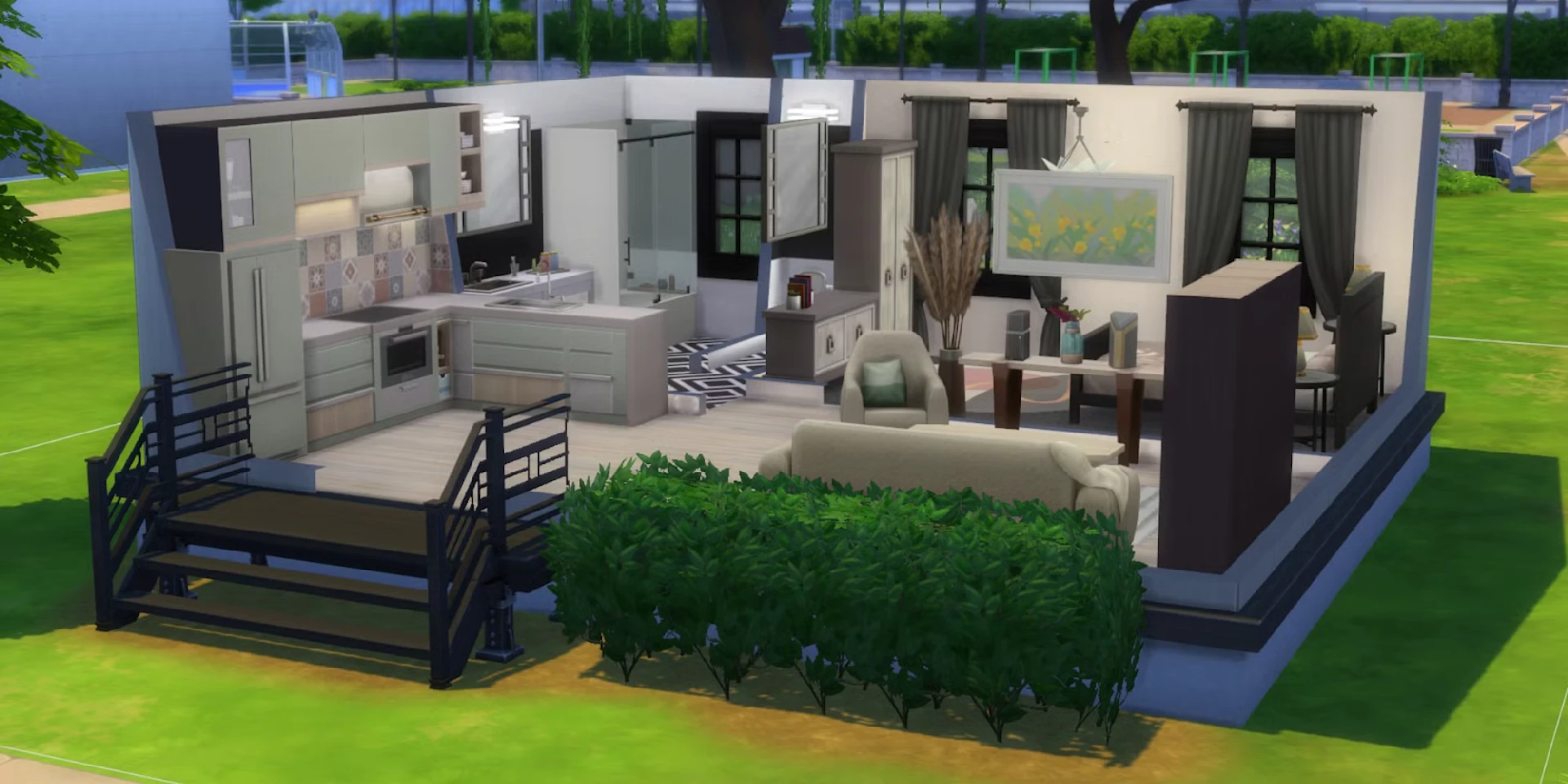
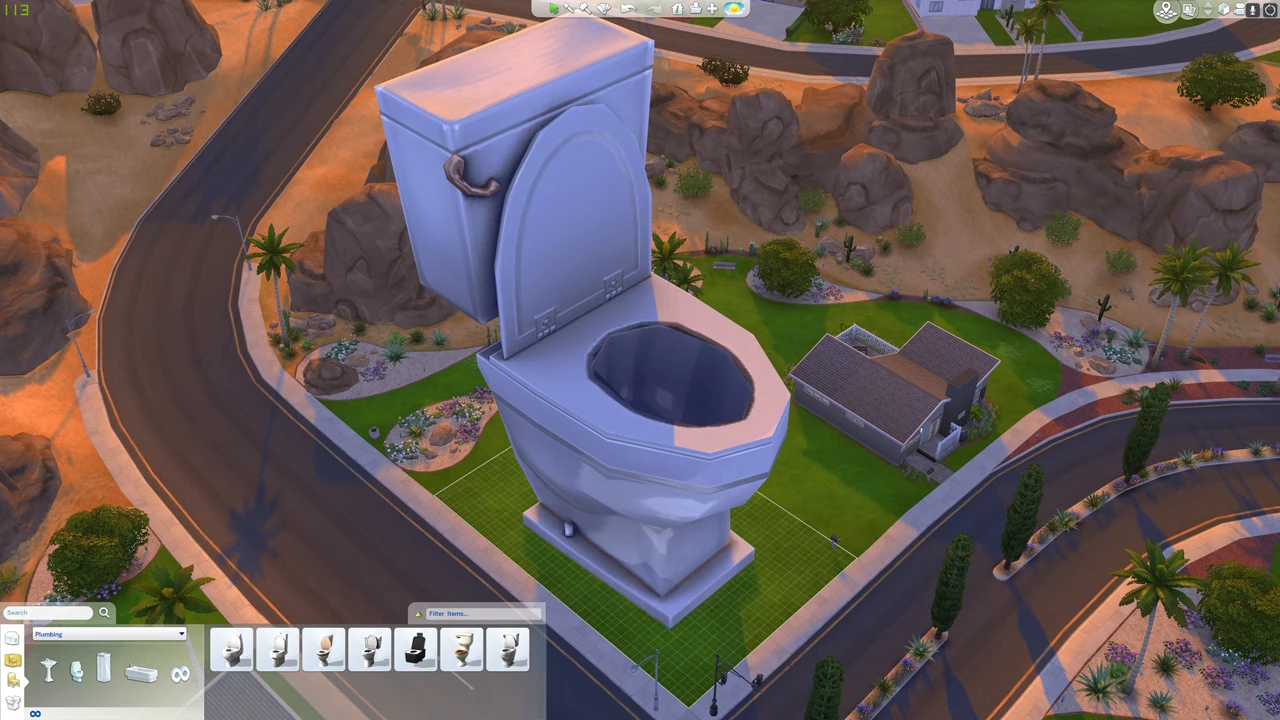
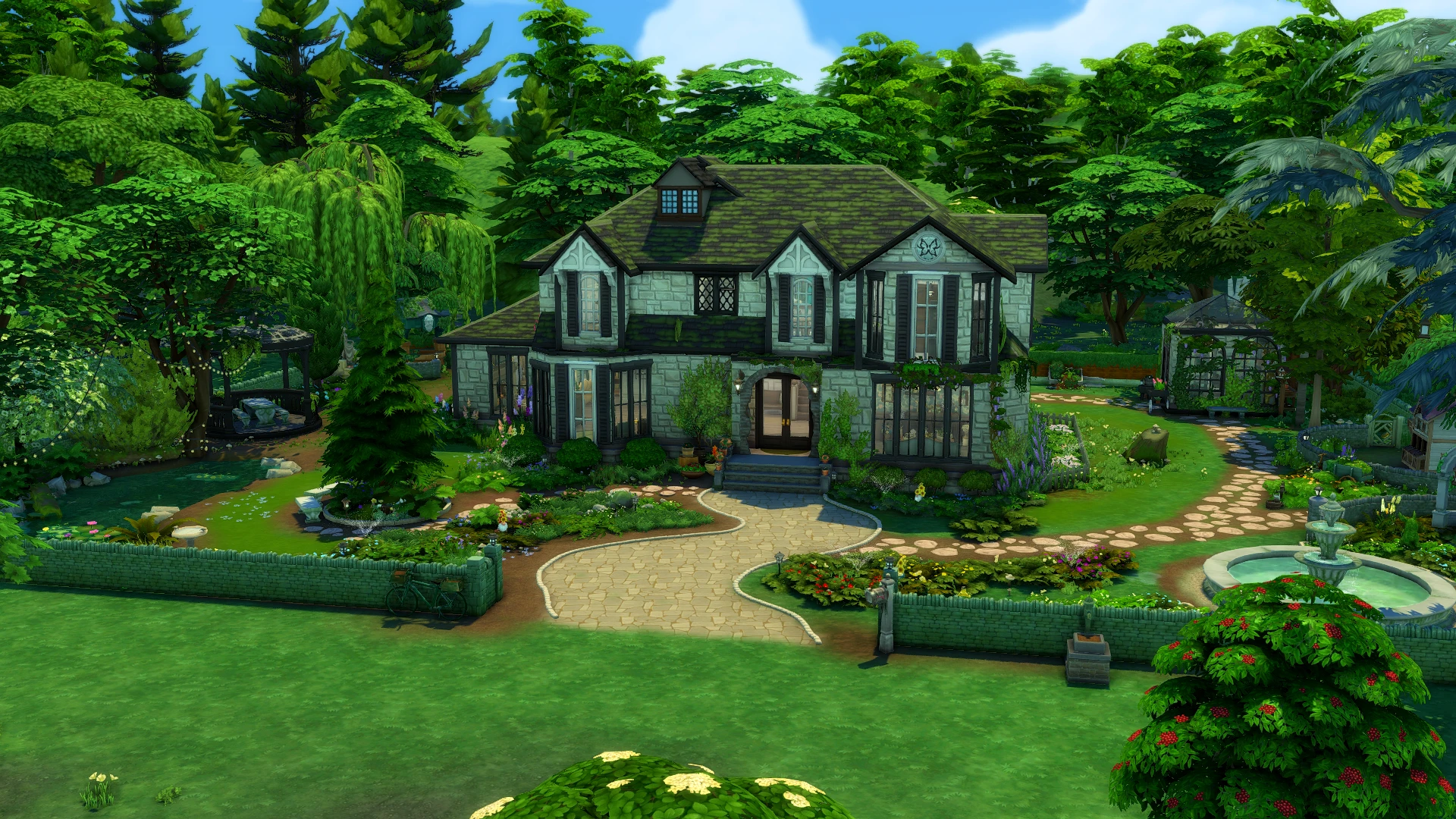
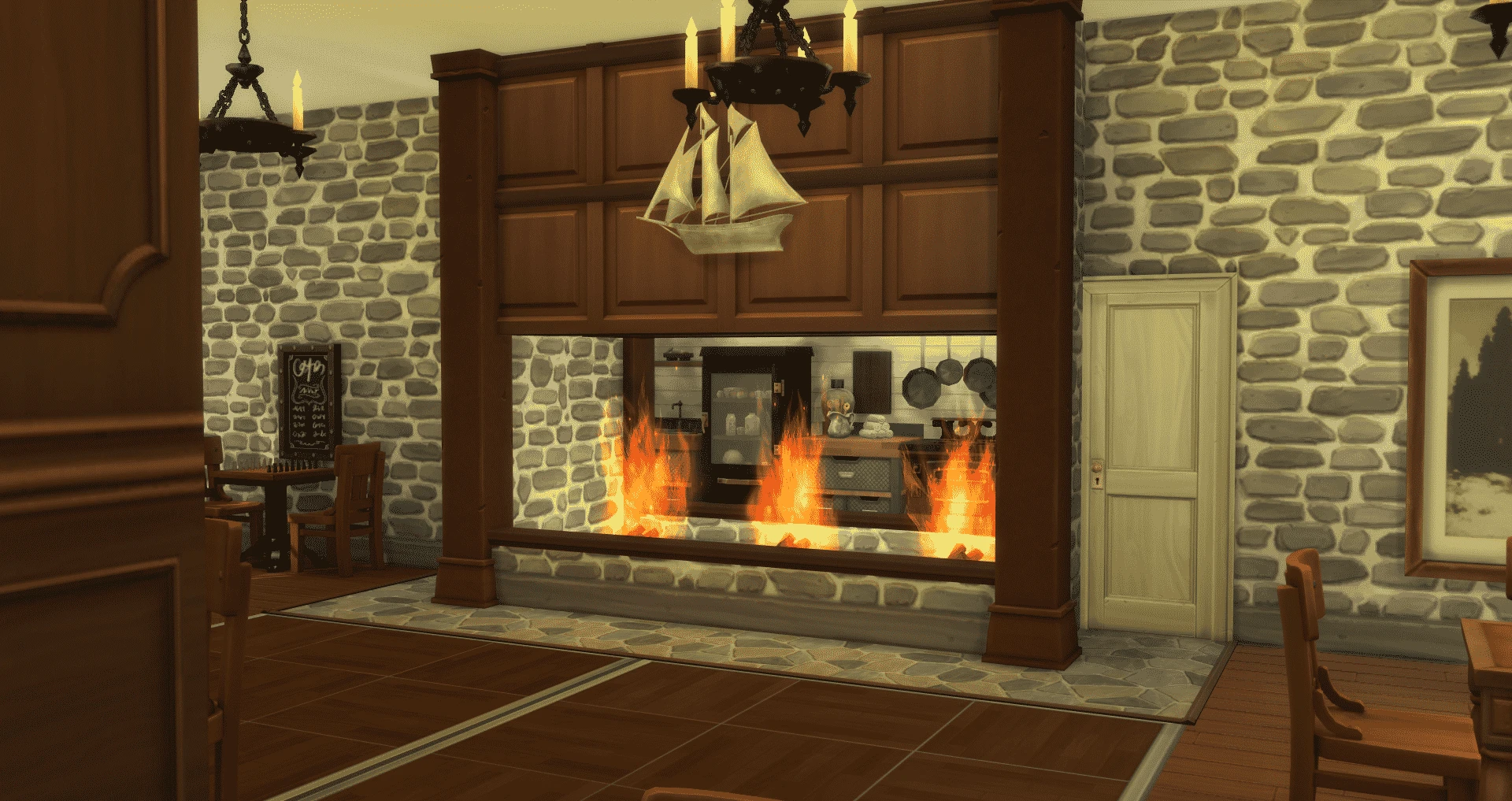
Whether you’re designing a sleek modern mansion, a snug tiny home, or a house shaped like a giant llama (no judgment here), Build Mode in The Sims 4 is your ultimate creative playground. But while the game gives you plenty to work with, the real magic happens when you unlock build mode cheats and clever design tricks.
We’re walking you through everything from must-know cheat codes to pro-level décor hacks, plus a few expansion pack tips and CC suggestions to keep your builds fresh.
How to Open the Cheat Console in Sims 4
Before you can start using build mode sims cheats, you need to open the Cheat Console. The Cheat Console is the in-game text box where you’re able to input some of the main build commands.
Here’s how to do it on every console:
PC (Windows): Press Ctrl + Shift + C
Mac: Press Command + Shift + C
PlayStation: Hold L1 + L2 + R1 + R2 together
Xbox: Hold LB + LT+ RB + RT together
Once the Cheat Console appears at the top of your screen, type:
Testingcheats true
Or
Testingcheats on
This enables cheats for your current play session. You’ll see a confirmation message “Cheats are enabled” if you input it correctly.
Tip: You’ll need to re-enable cheats every time you load the game. Sims 4 doesn’t save your cheat activation between sessions.
Must-Know Build Mode Cheats
Once you’ve got the cheat console open and working, you are ready to unlock Build Mode’s full potential. Here are some essential build mode cheats to know:
Object Placement Cheats
Bb.moveobjects
This cheat lets you place objects anywhere, even overlapping or floating above/around other objects, for total creative freedom. Here are some more ways you can use this cheat:
Free Rotation & Off-Grid Placement
Hold Alt (PC/Mac) or L1/LB (console) to rotate objects freely instead of snapping to the grid.
Hold Alt for precise, off-grid placement.
Quarter-Tile Placement
Scale Objects