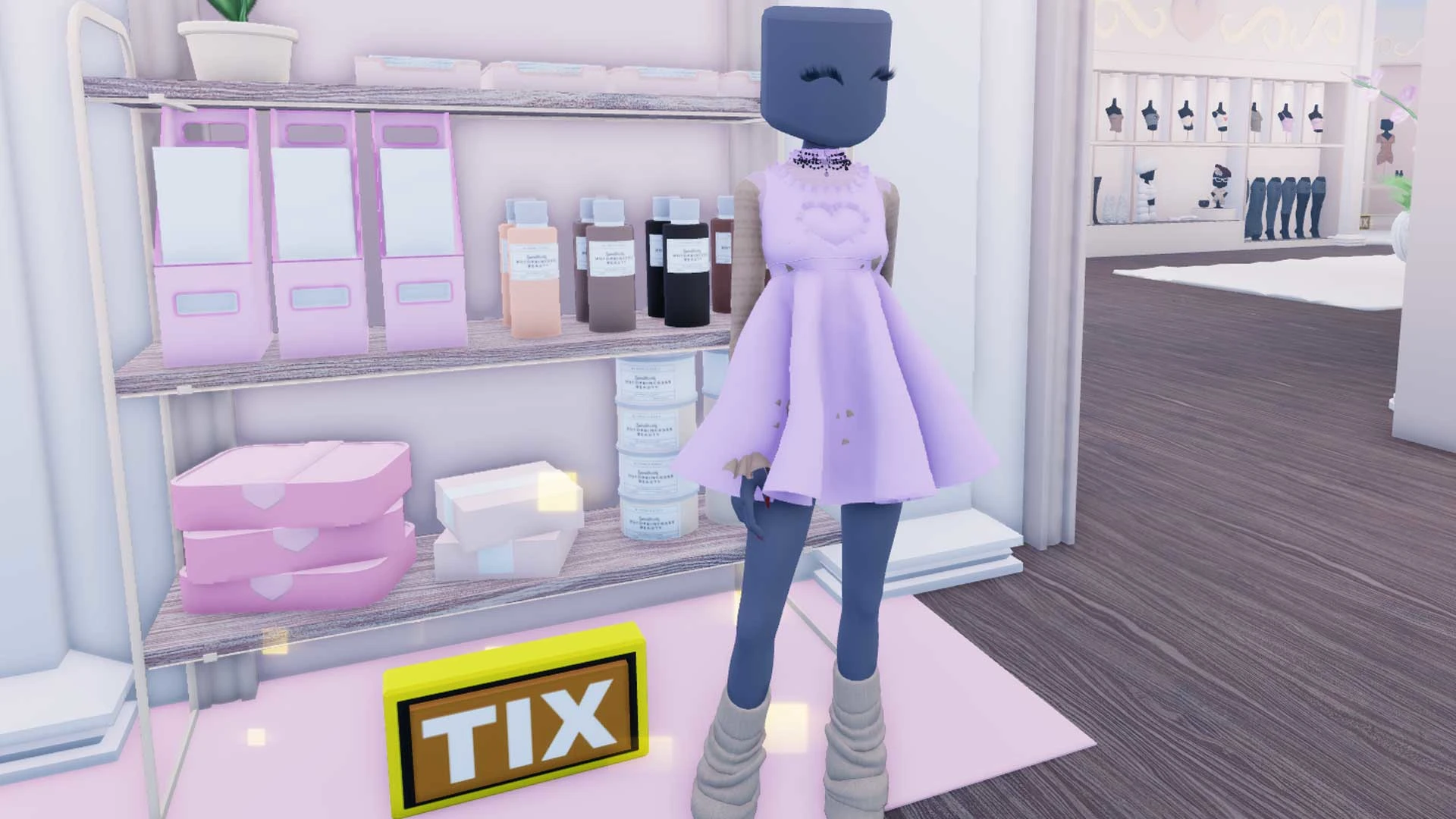
Lights, camera, runway! Dress to Impress is a full-on fashion showdown where your styling skills decide who slays and who gets kicked off the runway. Each round throws you a theme (streetwear, glam, summer), and it’s up to you to hit the Dressing Room, put together a look, and strut your stuff while other players judge your fit.
If you’ve been scrolling TikTok and are itching to join the chaos, this guide will walk you through everything you need to know: from how to play Dress to Impress step by step, to the platforms it works on, to pro tips for snagging votes and building the ultimate digital closet.
What Is Dress to Impress (And Why Is Everyone Obsessed)?
Think America’s Next Top Model and a mix of Project Runway, but make it Roblox. Dress to Impress drops you into timed style challenges. One round might call for streetwear, another for high glam, or even an undead theme. The goal? Outdress other players and win their votes for best dressed.
With TikTok fueling a lot of the hype and regular updates keeping things exciting (new outfits, accessories, even collabs like BRAT X DTI), this game is like a siren call for fashionistas everywhere.
Where Can You Play Roblox (and Dress to Impress)?
Roblox (and therefore Dress to Impress) is available on:
PC or Mac — download Roblox from the official site or play via the app.
Mobile (iOS & Android) — free on the App Store and Google Play.
Xbox consoles (Xbox One & Series X|S) — download the Roblox app from the Xbox Store.
PlayStation 4 & 5 — Roblox recently launched for PlayStation, so yes, you can strut the runway on your PS5 too.
To access Dress to Impress, just launch Roblox on any of these platforms, search for “Dress to Impress” in the game library, and click play. No special pass needed unless you’re going for VIP perks.
How to Play Dress to Impress: Step by Step