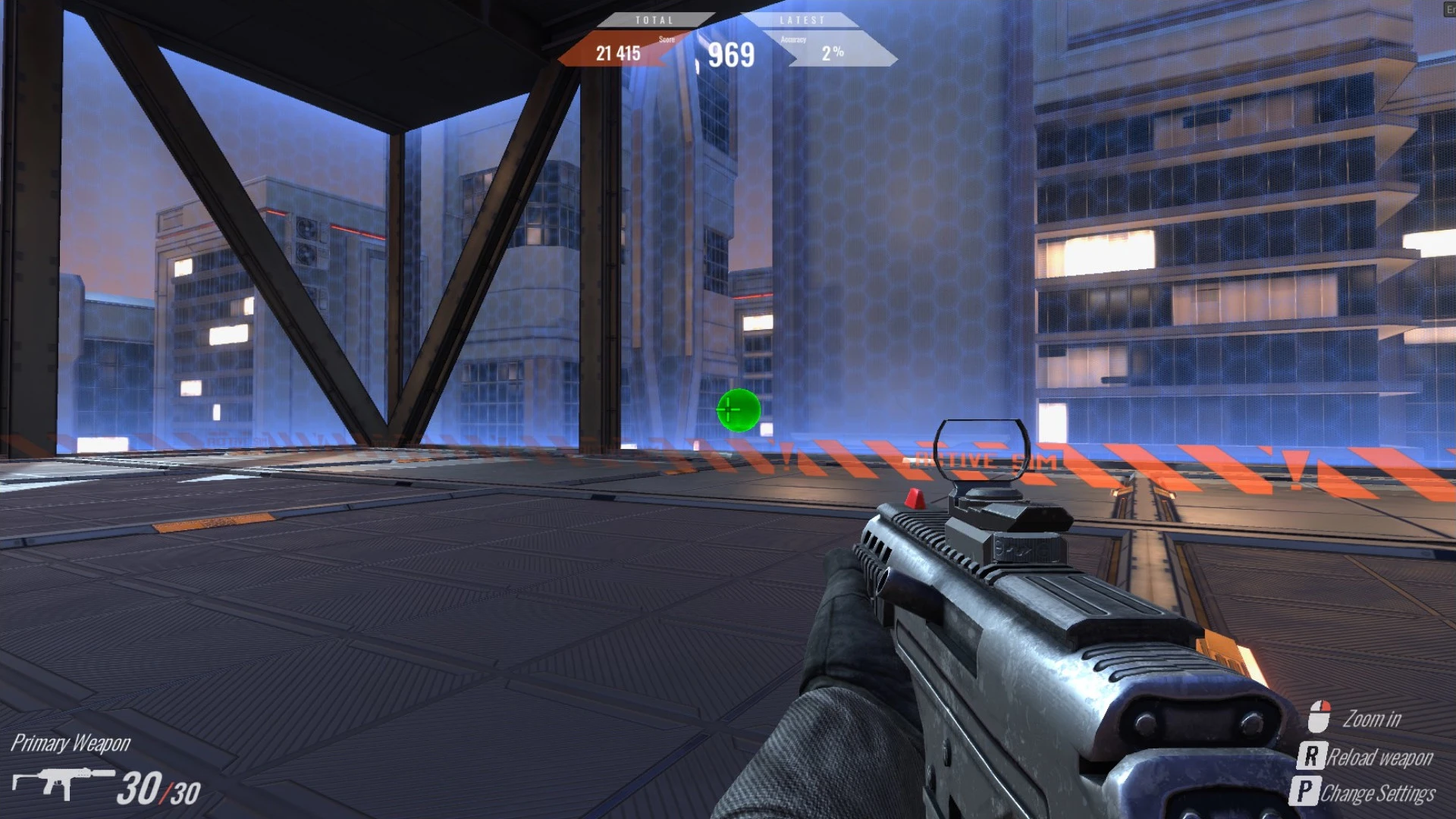
Your crosshair in Valorant isn’t just cosmetic, it’s a critical part of precision and overall performance. We’ll walk you through the fastest ways to copy a crosshair, whether it's in-game or via a shareable code. You'll also learn how to manage multiple profiles, troubleshoot common issues, and test your aim with tools like the SteelSeries 3D Aim Trainer.
Why Copy Someone’s Crosshair in Valorant?
In Valorant, your crosshair is more than just a visual, it impacts your aim, clarity, and overall performance. That’s why many players copy the crosshairs of pros like TenZ, Yay, or Aspas, hoping to mimic their precision and visibility.
Thankfully, Valorant makes it easy to copy a crosshair from a teammate, streamer, or code online, no manual adjustments required.
How to Do It
Method 1: Copy a Teammate’s Crosshair In-Game
With this method, keep in mind that if you're using the in-game “Copy Crosshair” feature via the scoreboard, the person must be your current teammate in a live match.
Press Tab to open the scoreboard during a match.
Hover over your teammate’s crosshair icon (next to their name).
Click the Copy Crosshair button that appears.
The game instantly creates a new crosshair profile based on their settings.
Note: You can later rename or edit the profile in your settings.
Method 2: Import a Crosshair Using a Code
Many players share crosshair codes online, especially pros and content creators. Here’s how to import one:
Open Settings → Crosshair tab.
Select Import Profile Code.
Paste the code (e.g., 0;P;c;8;b;1;t;1;o;0;z;2;a;1;0t;2;0l;6;0v;6;0o;3;0a;0.8;0s;1;0e;1;1t;2;1l;2;1v;2;1o;10;1a;0.35;1s;1;1e;1;u;FFFFFF;d;0;h;0;0g;0;1g;0;0f;1;1f;1;0m;0;1m;1;0b;0;1b;0;m;0)
Hit Import, and the crosshair will be added to your profiles.