


How to Swap Weapons with Battlefield 2042’s Plus System
Swap and shoot.
You can swap out your weapons in the middle of combat, but be careful. Here's how you can go about it.
If you're playing a lot of Battlefield 2042, chances are you've noticed how important weapon attachments are. They've been an important pillar of the Battlefield series for some time now, in fact, and sometimes the attachments you choose to take into combat with you can even make or break you. Battlefield 2042 approaches them in a different manner as well, where you can swap out your grips, barrels, sights, and other attachment options on the go with the new "plus system." But what does that mean, and how do you use it correctly? We've got everything you need to know about how to use the plus system within Battlefield 2042, so you can use it to your advantage.
How to use Battlefield 2042's plus system
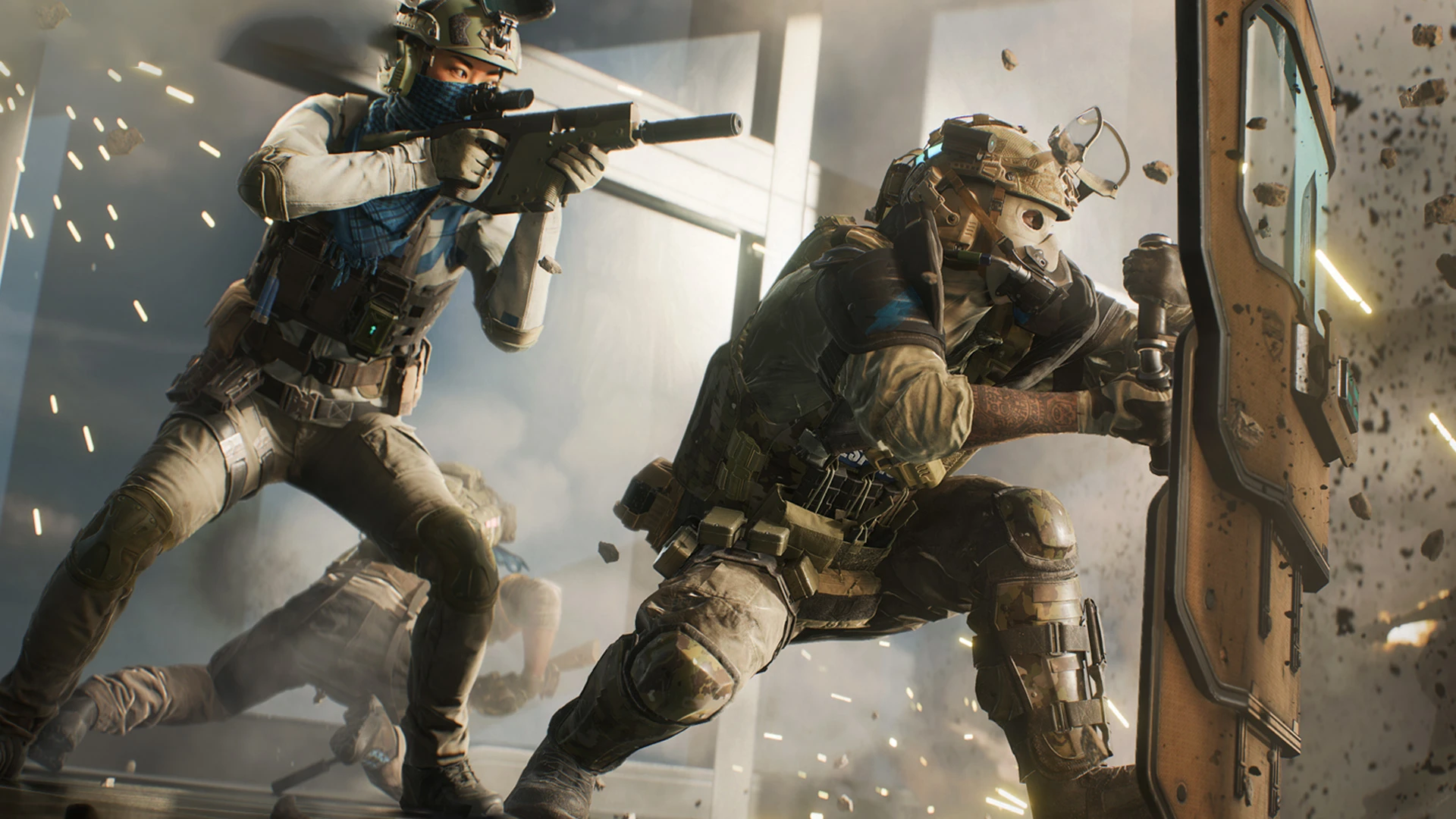
 Source: Electronic Arts
Battlefield's plus system essentially means that you can swap between attachments while you're in the middle of a fight, rather than waiting to change things out via the Deploy screen. It's quick and easy to pull off, though you'll have to be strategic about how and when you want to use it. It's kind of like trying to heal yourself while right out in the open. That isn't a great idea, because you never know who's lying in wait to pick you off, obviously.
Here's how to go about it on console as well as PC:
-
Xbox: Hold the LB button, then choose your attachments with the A, B, X, and Y buttons. Release LB when you're finished swapping out attachments.
-
PlayStation: Hold the L1 button, then choose your attachments with the Cross, Circle, Square, aand Triangle buttons. Release L1 when you're finished swapping out attachments.
-
PC: Hold down the T key on your keyboard, then click on the attachments you want to equip with your mouse. Let go of the T key when you're finished swapping out attachments.
These are all alternatives to choosing the weapon attachments you want to use before heading into battle. You can also choose the attachments you'd like to appear as part of the menu that pops up when you swap out equipment in each slot in this manner.
It might go without saying, but it's a good idea to make sure you find a secluded place where you aren't going to get shot at the second you stop moving if you need to change out attachments. Use this strategy wisely, and you might see some serious improvements as you play the game. Battlefield 2042 is all about being precise and making plans, so plan your equipment-switching strategy right and you'll go far.
Good luck out there on the battlefield!
Read more
- Halo Infinite: How to Level Up Your Battle Pass
- What We're Looking Forward To in Rainbow Six Extraction
- Best Xbox Game Pass Ultimate Games: Must-Play Titles
Need help perfecting the usage of Battlefield 2042's plus system? Join the official SteelSeries Discord!
Brittany Vincent has been covering video games and tech for 14 years for a variety of publications. When she's not writing or gaming, she's looking for the next great visual novel (like Saya no Uta.)