


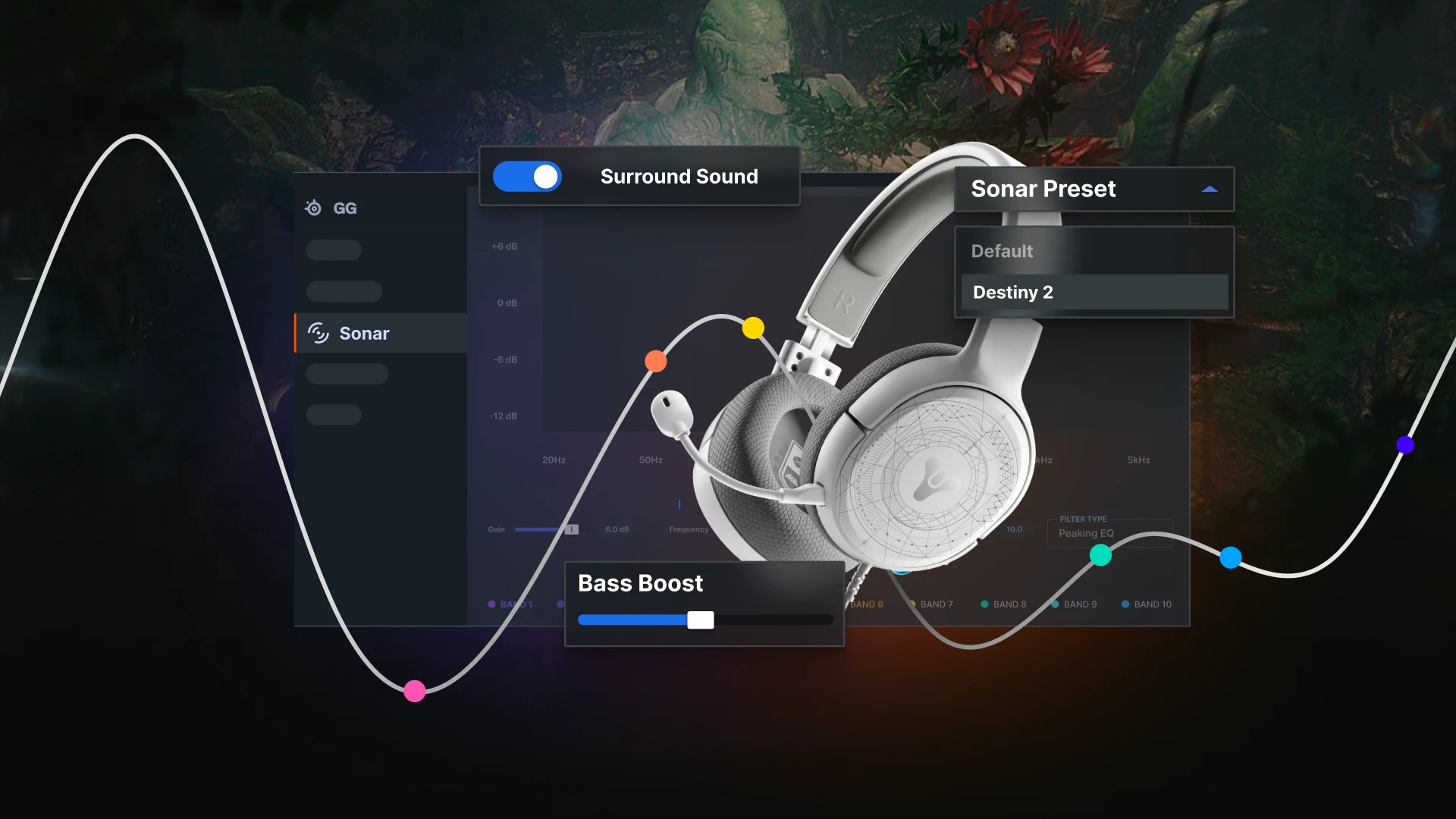
Become one with your Guardian while playing Destiny 2: The Witch Queen
Use our custom EQ preset in SteelSeries Sonar to take your sound to another dimension.
Destiny 2 sound designers partnered with us to create a custom preset to help you take back the Light from the Witch Queen this year.
With the highly anticipated power to craft your own weapons and discover Exotic new ones, you’ll need to gear up to stay ahead of your opponent at all times. To maintain a competitive edge, as of today you can now access our Destiny 2 preset that lives inside SteelSeries Sonar.
Sonar is still in Early Access and not available to everyone, however, in this blog we’ll show you how to gain access right away, so you can optimize your sound before playing Destiny 2: The Witch Queen.
Download SteelSeries Sonar here.

When fighting a god, leave nothing left unheard
Traveling to the Throne World is no small feat. You’ll enter into the Witch Queen’s domain where things are never what they seem.
BUT, your Arctis 1 headset combined with the power of Sonar will fully prepare you to TAKE BACK THE LIGHT from Savathûn and her Lucent Hive.

Train your ear to hear unfamiliar deploys like the Titan Exotic Glaive's protective bubble, or the Warlock Glaive’s healing turret. Follow our step-by-step guide below for installing Sonar Early Access and selecting the Sonar Preset by Bungie - Destiny 2.
Doing this will give you heightened awareness, so even if a Hunter's Exotic Glaive comes at you with tracking chain lightning projectiles — you’ll be ready for war.
How to enable Sonar Early Access for your Arctis 1 Destiny edition
Stay on the edge of action by following these steps to get Sonar early on your PC and configure the preset:


