Before you dive into Death Stranding 2 I have a few recommended tips for you to better optimize your settings. These tips will give you more control over your accuracy when in combat, better vision for unexpected ambushes or BTs, and overall improve your gameplay.
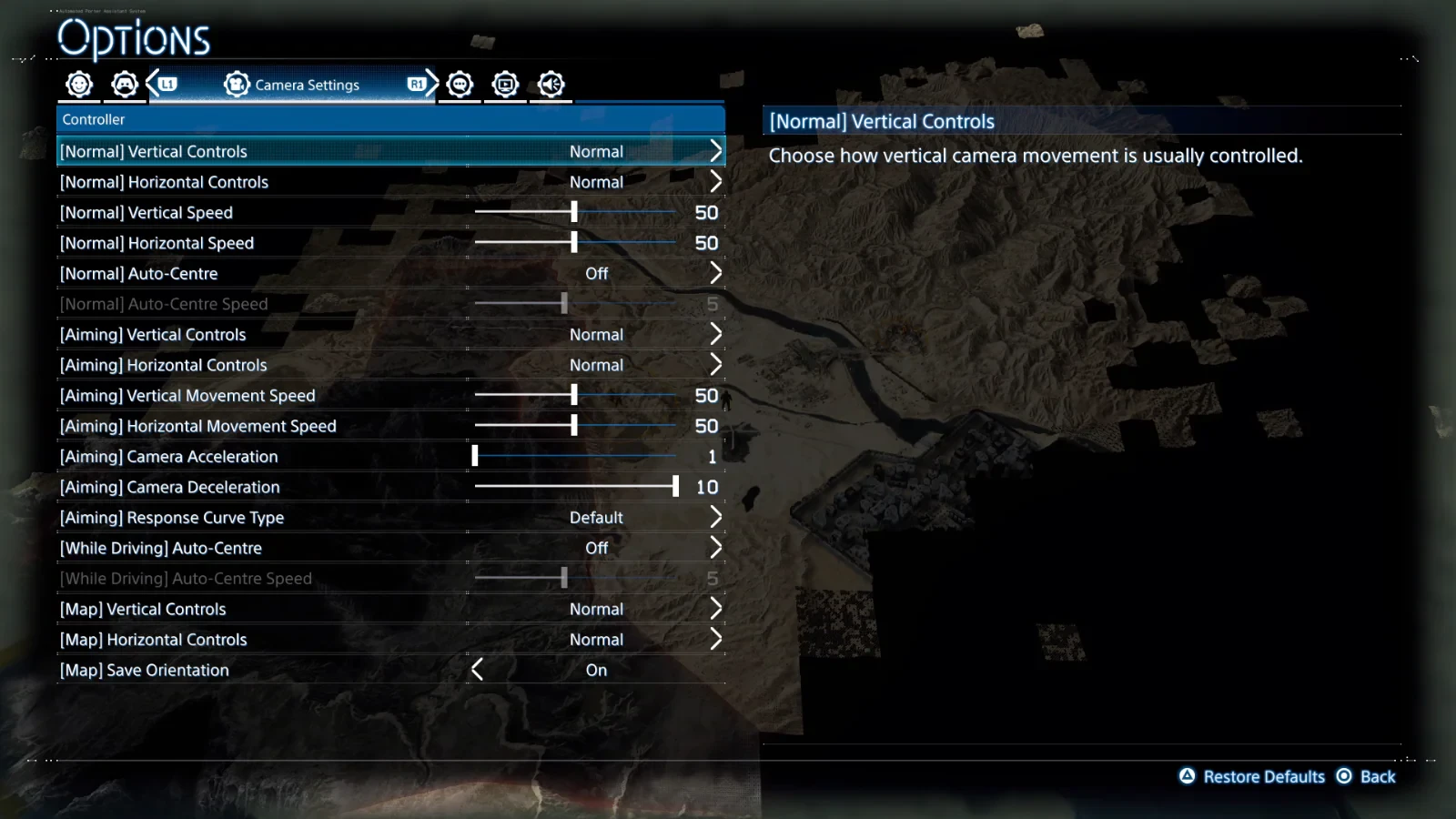
As you traverse across the land in Death Stranding 2 you will encounter several obstacles that will require a level of transversal precision to overcome, lowering the control sensitivity for balance will give you more leeway for slippage or overcorrecting. There are also various settings you can change for camera sensitivity and aiming but you will want to mainly focus on the vertical and horizontal speeds to find what works best for your gameplay style.
Another important setting to change from default that can immediately improve your gameplay is the “Minimum Button Hold Duration” in your controls setting. Lowering this will allow you to take less time when having to hold a button for interactions, which means you can speed up the time it takes to activate a tool or interaction during a time-sensitive delivery or combat.
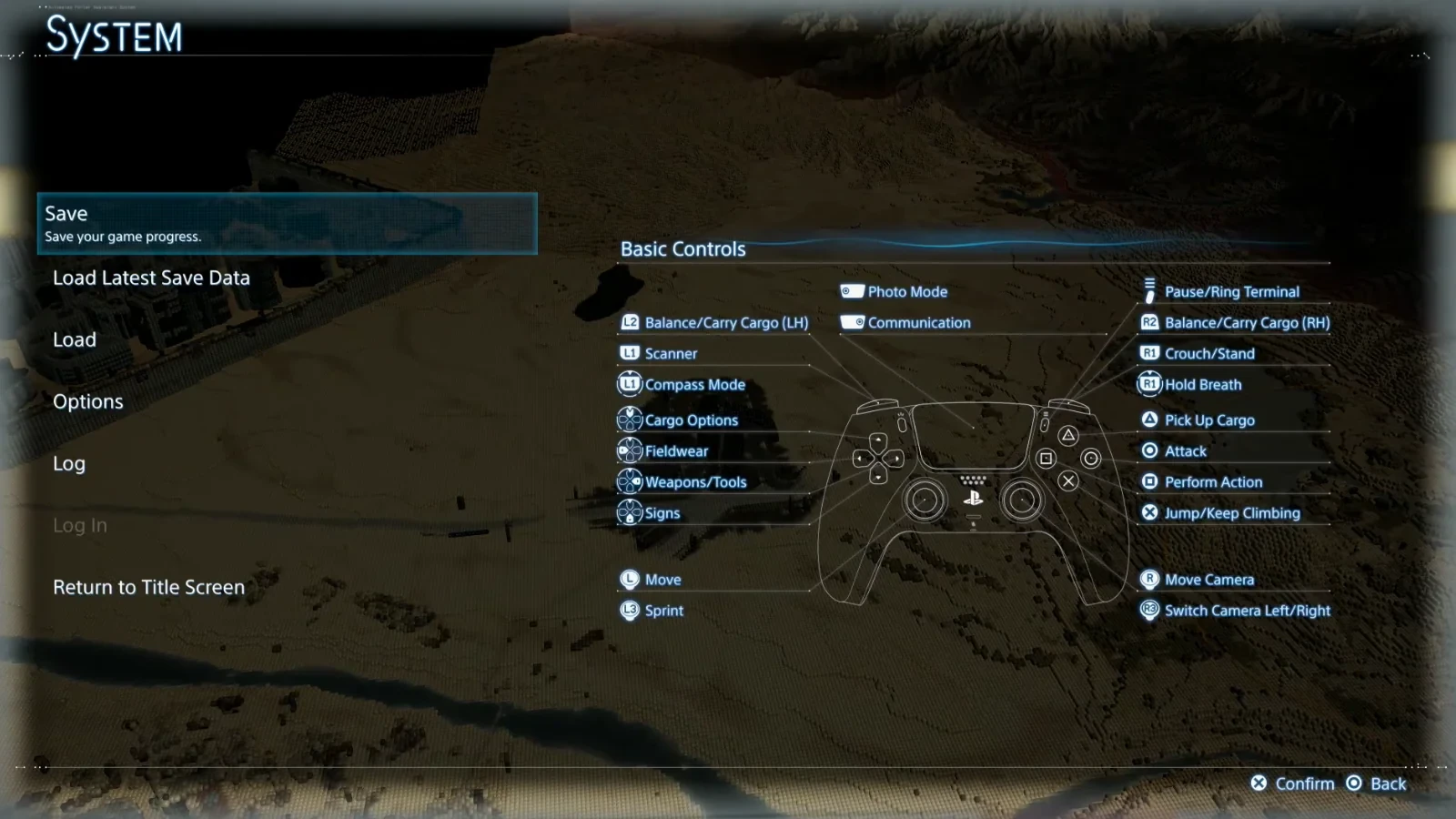
For those who have played Death Stranding 1, you may want to spend time remapping your controller to better suit your playstyle or change things to a similar layout as the first game. There are plenty of new mechanics in Death Stranding 2 so it may be worth it to try the game with default controller settings before making changes.
Vibration intensity is something I would recommend testing out as there are five different variations of intensity so there may be an option aside from “off” that you may like more. For quicker and sharper movements you may want to move up the speeds but can also turn off Auto-Center to have more control of your camera angle, this can help you when peaking around corners or during stealth missions.